
AI · Communication · Prompt Mode
You're Talking to AI Wrong (And It's Not Your Fault)
I've spent a long time in IT watching people fight with technology. Most of the time the technology wins, not because the person is dumb, but because nobody ever showed them the one or two things that make it click. AI is turning out to be the biggest example of that I've seen in my career.
Here's what I keep running into. Somebody tells me they "tried ChatGPT" and it was underwhelming. I ask what they typed. It's almost always something like "write me a resume" or "help with my bill" or "is this a scam." Three or four words, one shot, skim the answer, close the tab. Then they conclude the whole thing is overhyped.
They're using the most capable tool they've ever had their hands on like it's a search box. And that's the problem.
AI Is Not Google
A search engine looks things up. AI does something completely different: it reads whatever you put in front of it and predicts, a piece at a time, what a thoughtful response to exactly those words would look like. That one idea explains everything about why most people get mediocre results.
It only knows what you tell it. It can't see your life, your inbox, your medical chart, or the thing you're actually worried about. So a thin question gets a thin answer, every single time. It's not being lazy. It just has nothing to aim at.
The flip side is that when you give it something real to work with, the same tool turns into a writing partner, a tutor, a strategist, a negotiator, and a very patient friend who has read almost everything ever written and never gets annoyed with you.
The difference between those two experiences isn't the software. It's how you talk to it.
Where This Actually Matters
I'll be honest: writing a poem or planning a vacation is not where AI earns its keep. Where it earns its keep is the stressful stuff, the moments when your head isn't clear.
A lab result that came back with numbers you don't understand. A text message that feels off. A contract you're about to sign. A bill that makes no sense. A hard conversation you've rehearsed in the shower six times. A parent who is suddenly in the hospital and you're getting fragmented updates from three different nurses.
Those are the moments where a well-built prompt is the difference between panicking and having a plan. And that's exactly the gap I wanted to close.
A Few Hints That Change Everything
Before I tell you about the workbook, let me give you a couple of the habits from it, because they'll help you tonight even if you never buy anything.
Brief it like a person, not a machine. Picture a brilliant assistant who just walked into the room and knows nothing about you. You wouldn't say "resume." You'd say who you are, what you've done, what job you're going after, and what tone you want. Say more than feels necessary. Longer prompts almost always beat short clever ones.
Give it a role, a situation, a goal, and a format. That's the whole shape of a great prompt. "Act as a careful contract reviewer. Here's my situation. What I want is to know the catch. Give it to me as a short checklist." Four pieces. Once you see that pattern, you'll never type three words into a chat box again.
The first answer is the draft, not the destination. This is the rule people skip and it's the one that matters most. The good stuff shows up in the second and third message. "Make it warmer." "What am I missing?" "Challenge your own answer." The people getting extraordinary results aren't using a magic prompt. They're having a conversation.
Make it push back. AI has a people-pleasing streak. Left alone it will agree with you and tell you your plan is great. So ask it to argue the other side. Ask where you're being emotionally biased. It goes from cheerleader to thinking partner in one sentence.
Show it instead of describing it. Most AI tools can look at things now. Upload the PDF. Screenshot the error. Paste the actual contract. It performs dramatically better when it can see the real thing.
That's a taste. There are seven rules in the book and a whole section on what to do when it hands you junk (spoiler: you don't start over, you steer).
What The Prompt Mode Workbook Is
I wrote Prompt Mode because I got tired of watching smart people bounce off AI. It's a plain-English workbook in two halves.
The first half teaches you how to talk to AI. How it actually works under the hood without a tech degree, the seven rules, a side-by-side of a bad prompt and a good one, what to never paste into a chat window, and a one-page cheat sheet you can photograph and keep on your phone. If you can text a friend, you're qualified. That's the bar.
The second half is where the learning really happens: 72 ready-made prompts for the moments life actually throws at you. Each one is a complete, professionally built briefing with fill-in-the-blank placeholders. You copy it, replace the brackets with your real details, and send it.
I'm not going to list all 72, but to give you a sense of the range: a Scam & Suspicious Message Detector. A Lab Results Explainer. What Aren't They Telling Me? (for anything you're about to sign). Lower My Bills. Difficult Conversation Coach. Resume Transformer. Fix My Day. Caregiver Hospital Notes Organizer. Appeal a Denied Claim. Hacked or Identity Stolen. There's a Plant Doctor in there. There's even a Fantasy Lineup Coach, because life isn't all emergencies.
Every prompt tells you when to use it, walks you through each blank, and ends with a Pro Tip about which AI handles it best or what to watch out for.
Learning By Doing
Here's the part I care about most. The prompts aren't just answers. They're teaching tools.
When you use the Scam Detector, you see how a good prompt asks for the exact wording, the contact method, the pressure tactics, and who they claim to be, then asks for a bottom line first and the reasoning after. When you use the Difficult Conversation Coach, you see how it sets a role, loads in context, and asks for practice instead of a lecture. After a week of using premade prompts, the shape of a great prompt is just in your head. You start writing your own without thinking about it.
The book even gives you a first week: one prompt a day for five days. By Friday, using AI feels as normal as texting.
The App: Tap Instead of Type
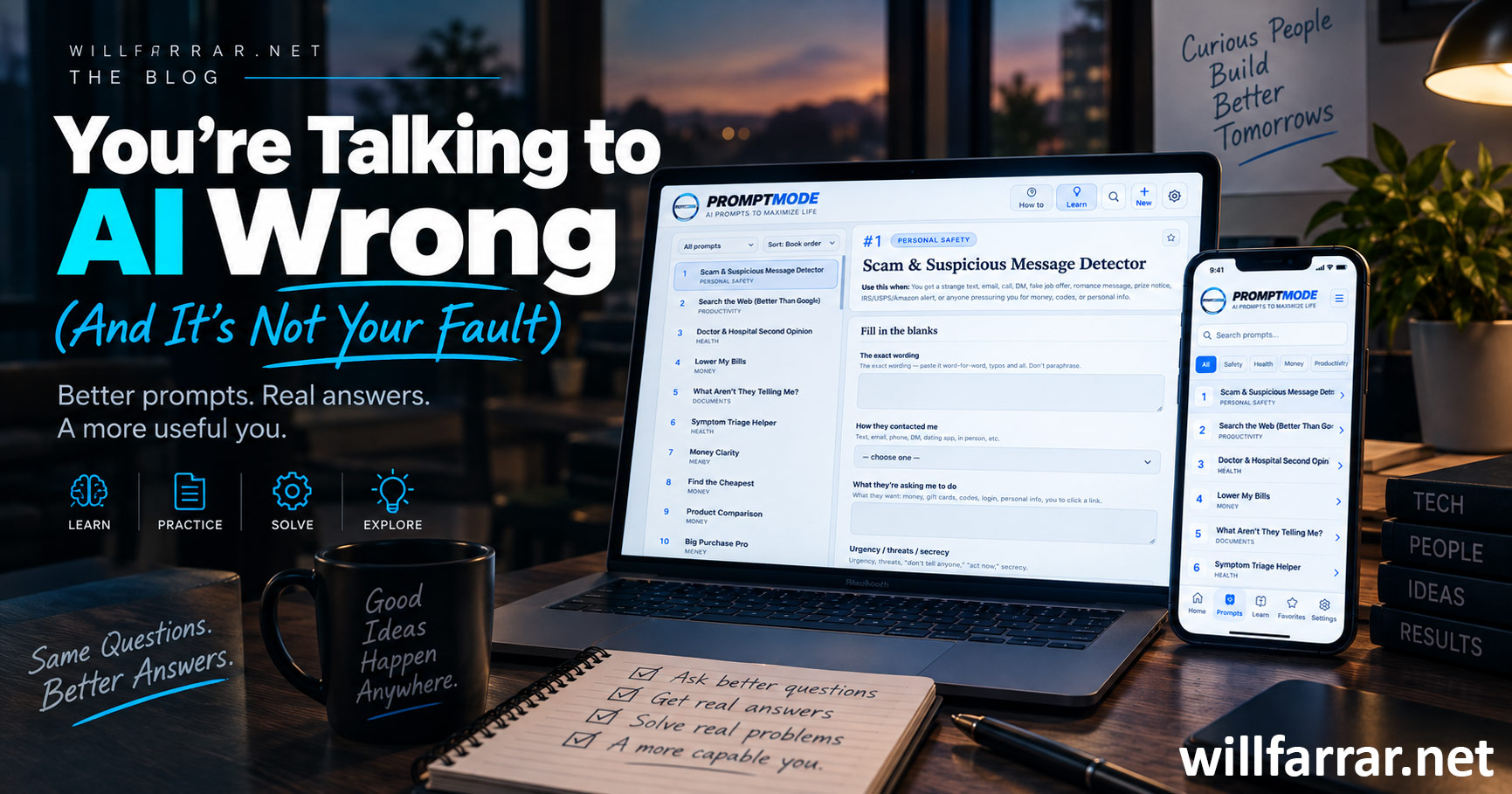
If typing a long prompt on your phone sounds miserable, that's what the Prompt Mode app is for. Every prompt from the book is pre-loaded at PromptMode.app.
You pick a prompt, fill in a few boxes, and it builds the finished prompt for you in real time. Then one tap opens it directly in ChatGPT, Claude, Perplexity, or Grok, or copies it for any other AI. It even marks which AI is best suited to that particular prompt.
Then, right underneath, it hands you the follow-ups. Make this simpler. Shorten it. What am I missing? Challenge your answer. Explain like I'm exhausted. Tap one, paste it as your next message, and you're doing the thing most people never do: continuing the conversation.
You can favorite prompts, edit them, duplicate and tweak them into your own versions, adjust the text size, run it in dark mode, and install it to your home screen so it works offline like a real app. No app store required. Sign in with the email you used to buy the book and you're in.
Why I Bothered
I've watched the gap between people who can use AI well and people who can't get wider every month. It isn't a technical gap. It's a communication gap, and communication is teachable.
You don't need to understand tokens or models or any of that. You need to know how to brief a capable assistant, how to keep the conversation going, and how to tell it when it's wrong. That's an afternoon of learning, and then it's yours for good.
The workbook and app are available through WillFarrar.net. Grab it, do the first five minutes exercise on page one, and then tell me your AI experience is underwhelming. I don't think you will.
Ready to try it?
Get the Prompt Mode Workbook + App
72 ready-to-use prompts, a plain-English guide to talking to AI, and a companion app that builds every prompt for you and opens it in ChatGPT, Claude, Perplexity, or Grok with one tap.